// SOFTWARE REPAIR
Software Repair in St Andrews. Windows & Mac Issues Fixed
When your computer’s software goes wrong, it can be just as debilitating as a hardware failure. The blue screen of death that appears every time you try to work. Applications that crash seconds after opening. A machine that takes ten minutes to boot and runs painfully slowly once it does. Windows updates that break more than they fix. Error messages you cannot make sense of. You do not need a new computer. You need someone who can diagnose the software problem and fix it properly. At Repair St Andrews, we have been resolving Windows and Mac software issues since 2011. Bring your computer to 1 City Rd and we will get it working the way it should.
Common Software Problems We Fix
Windows BSOD & Errors
Windows crashes with a blue screen showing an error code. BSODs can be triggered by driver conflicts, corrupt system files, failing hardware (especially RAM and storage), or incompatible software updates. We read the error codes, analyse crash dumps, and identify the exact cause rather than guessing.
macOS Issues
Operating system corruption. Windows or macOS will not boot, boots to a recovery screen, or displays errors about missing or corrupt system files. We repair the operating system in place where possible, or perform a clean installation with data migration when the corruption is too extensive.
Update Loops & Failures
Windows Update is downloading forever, installation fails and rolls back, or an update has been installed but has caused new problems. We repair the Windows Update system, remove problematic updates, and get the system current and stable.
Slow Performance
A computer that used to boot in 30 seconds now takes five minutes, and everything feels sluggish once it loads. Common causes include too many startup programs, fragmented or failing hard drives, insufficient RAM, or malware running in the background. We optimise the system and address the root cause.
Crashes & Application Errors
Specific programs crash on launch, freeze during use, or display error messages about missing DLL files or corrupt installations. We diagnose whether the issue is with the application itself, the operating system, or a conflict between software.
// OUR PROCESS
Our Software Repair Process
We fix the real cause, not just the symptom. So the problem stays fixed.
System Analysis
We review your computer's current state: event logs, error reports, installed software, startup programs, system resource usage, driver versions, and pending updates. We check the health of the hard drive or SSD, test the RAM, and identify whether the software issue is masking an underlying hardware problem. This comprehensive analysis ensures we fix the real cause, not just the symptom.
Targeted Repair & Optimisation
Based on the analysis, we carry out the specific fixes needed: repairing corrupt system files with SFC and DISM, removing problematic drivers or updates, cleaning out unnecessary startup programs, resolving application conflicts, applying security patches, and optimising system settings for your hardware. If the system is beyond repair, we perform a clean installation and migrate your data and applications.
Performance Verification
After the repair, we verify that the specific problem is resolved: no more blue screens, applications launch and run correctly, boot times are acceptable, and the system runs smoothly under normal use. We check that Windows Update is working correctly, essential drivers are current, and the system is in a clean, stable state before handing it back.
Turnaround Time
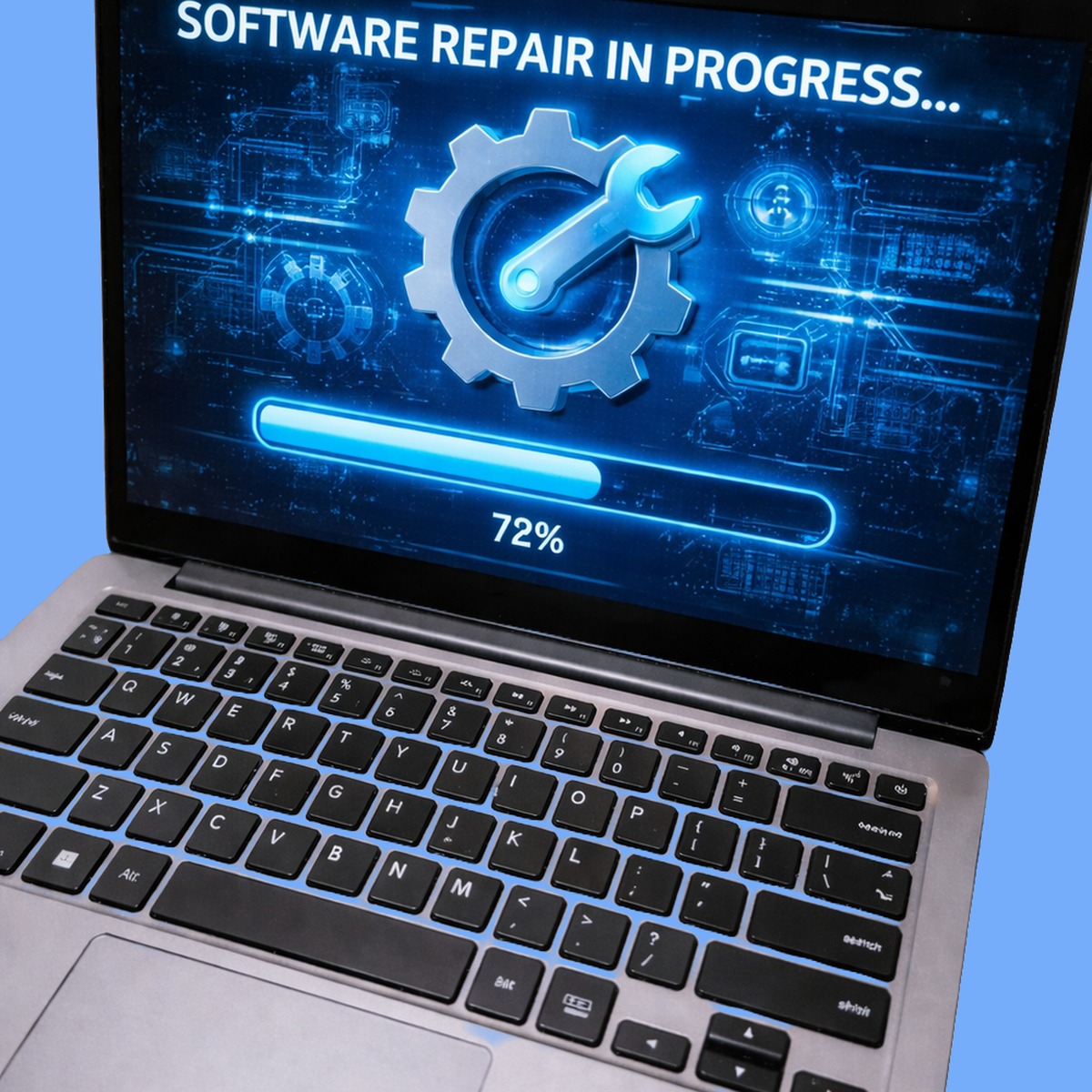
Most software repairs are completed within one to two working days. Simple fixes. Startup optimisation, driver updates, or resolving a specific application error. Can often be done same-day. More involved work like a clean Windows installation with full data migration or diagnosing intermittent blue screens takes one to three days. We will give you a realistic timeline based on the specific issue.
Pricing
Software repair costs depend on the complexity of the problem. A system tune-up and optimisation is at the lower end. Resolving persistent blue screens, performing a clean OS installation with data migration, or fixing multiple software issues costs more. We always provide a initial assessment and a clear quote before starting work. No hourly billing that runs up unpredictably. Call 01334 478866 and describe the problem. We will give you a price indication right away.
Frequently Asked Questions
Should I just reinstall Windows to fix software problems?
A clean Windows installation is the nuclear option. It fixes virtually any software issue but at the cost of reinstalling all your applications and reconfiguring all your settings. We try to repair the existing installation first, which preserves your programs, settings, and workflow. If the system is too far gone for repair, we will recommend a clean install and handle the data migration for you. Either way, your files are preserved.
My computer is slow. Do I need more RAM or a new computer?
Not necessarily. Slow performance has many possible causes, and some of the most common are software issues: too many startup programs, background processes consuming resources, a fragmented hard drive, or outdated drivers. We diagnose what is actually causing the slowdown. Often, cleaning up the software and upgrading the hard drive to an SSD transforms the machine’s speed without needing any other hardware changes.
Can you fix software issues on both Windows and Mac?
Yes. We repair software problems on Windows 7, 8, 10, and 11, as well as macOS on MacBooks and iMacs. The diagnostic process and many of the underlying principles are the same, though the specific tools and techniques differ. For macOS-specific issues, we also have a dedicated Mac OS repair service.
I keep getting a blue screen with a specific error code. What does it mean?
Windows BSOD error codes (like KERNEL_DATA_INPAGE_ERROR, IRQL_NOT_LESS_OR_EQUAL, or SYSTEM_SERVICE_EXCEPTION) point to specific categories of problems. Storage faults, driver issues, memory errors, or system file corruption. Each code narrows down the diagnosis. We read the error code, analyse the associated memory dump file, and trace the exact cause. Simply searching the error code online and trying random fixes usually makes things worse.
Can you set up my new computer and transfer everything from my old one?
Absolutely. We transfer your documents, photos, music, browser bookmarks, email accounts, and other personal data from your old computer to your new one. We install your essential applications, configure your settings, and make sure everything is working before you take the new machine home. This is also a good time to set up proper backups so your data is protected going forward.
Can you fix software issues remotely?
In some cases, yes. If your computer can connect to the internet and the issue does not prevent remote access, we can diagnose and fix certain software problems remotely using secure screen-sharing tools. This is often faster for straightforward issues like application errors, driver updates, or system configuration problems. Call 01334 478866 and describe the issue. We will let you know if remote repair is an option, or if you should bring it in to 1 City Rd.
Will a factory reset fix my software problems?
A factory reset will fix most software problems, but it is a drastic step that wipes everything. Your applications, settings, and potentially your files. We always try targeted repairs first, which resolve the specific issue without losing anything. If a reset turns out to be necessary, we back up your data first and restore it afterwards. Think of a factory reset as the last resort, not the first option.
Can you help install and configure specific software?
Yes. Whether you need help installing a new application, configuring email clients, setting up printers, resolving licence activation issues, or migrating data between programs, we can handle it. We also set up and configure antivirus protection and security software if your machine needs it. Bring the computer in or call us to discuss what you need.
We also offer virus removal, Mac OS repair, and PC repair. See all our computer repair services in St Andrews. If you know your model, you can book directly for your MacBook Pro 16" M3 Pro / M3 Max, Dell XPS Series, iMac 24" A3137 (2024) (Four ports) and HP Pavilion Series. Head back to our homepage to see the full range of services we offer.
// GET STARTED
Book Your Software Repair
Visit us at 1 City Rd, St Andrews, KY16 9XQ | Mon–Fri 09:30–17:30, Sat 10:00–17:00